Go ULTRA! The New BERNINA 790 ULTRA

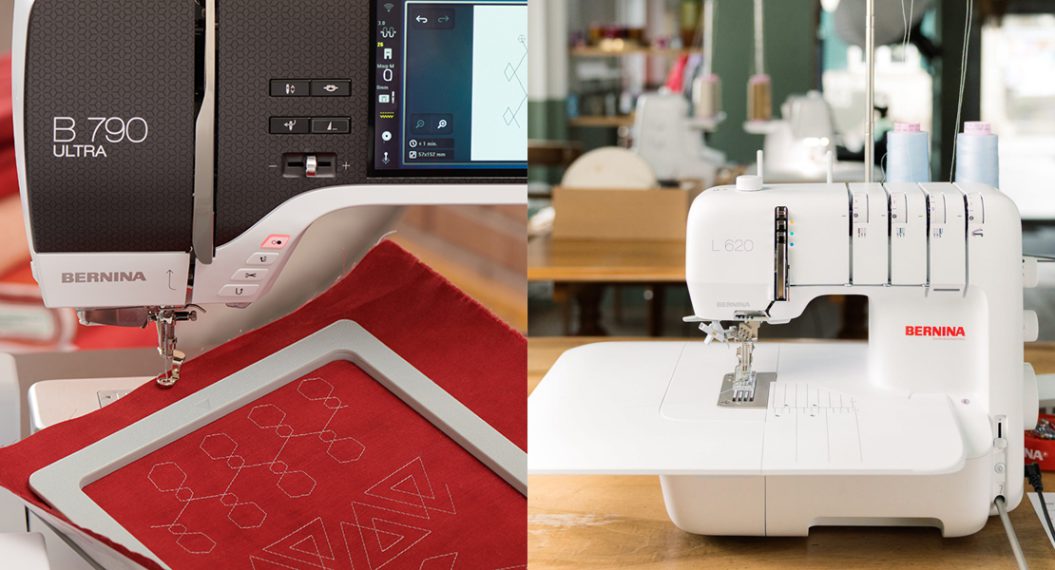
This summer, BERNINA introduced a new top-of-the-line machine: the BERNINA 790 ULTRA! This machine is already arriving in stores across the country, so let’s take a closer look at just some of the cool new tools on this new machine.
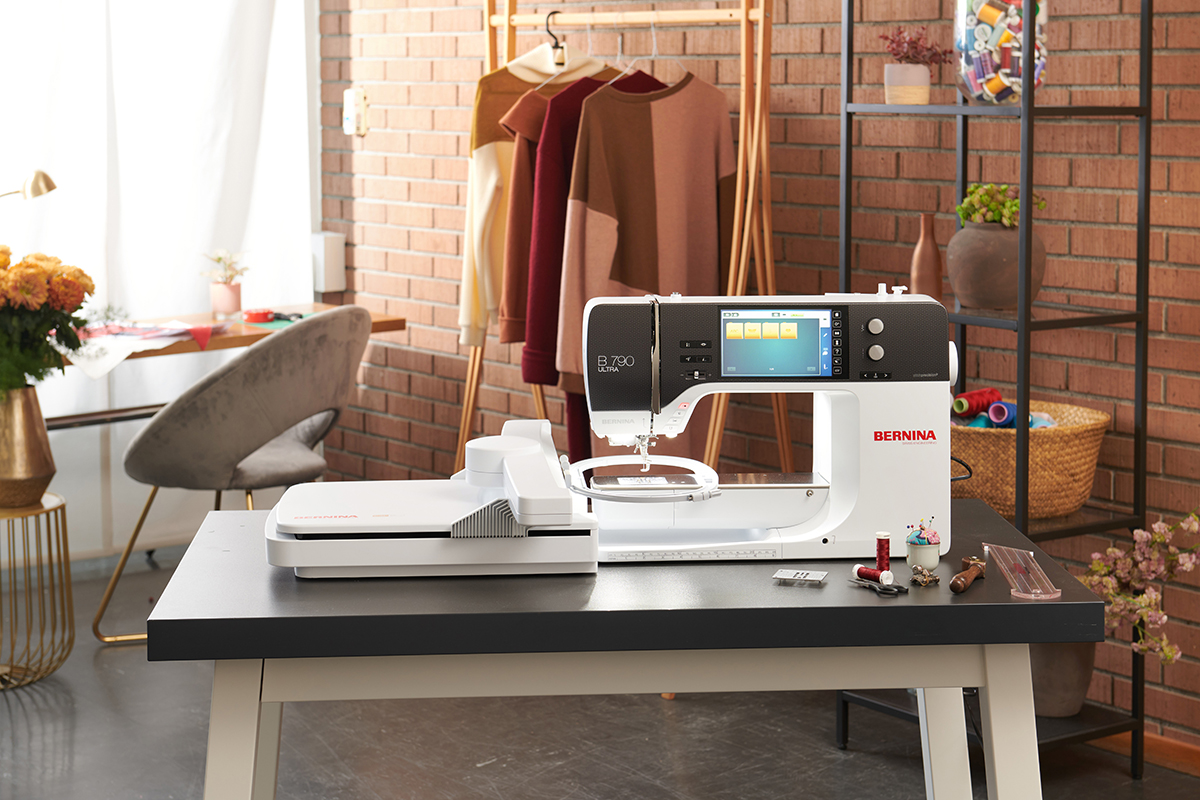
Key Features on B 790 ULTRA
The B 790 ULTRA now crowns our 7 Series line of machines. It has all the beloved features you find on other 7 Series machines, like a large, 7″ color touch screen, 10″ to the right of the needle, the BERNINA Hook with Jumbo Bobbin, and Pinpoint Laser.
With a 9 mm maximum stitch width, the B 790 ULTRA also has BERNINA Dual Feed to evenly feed fabrics for pattern or seam matching and careful handling of stretchy bias edges.
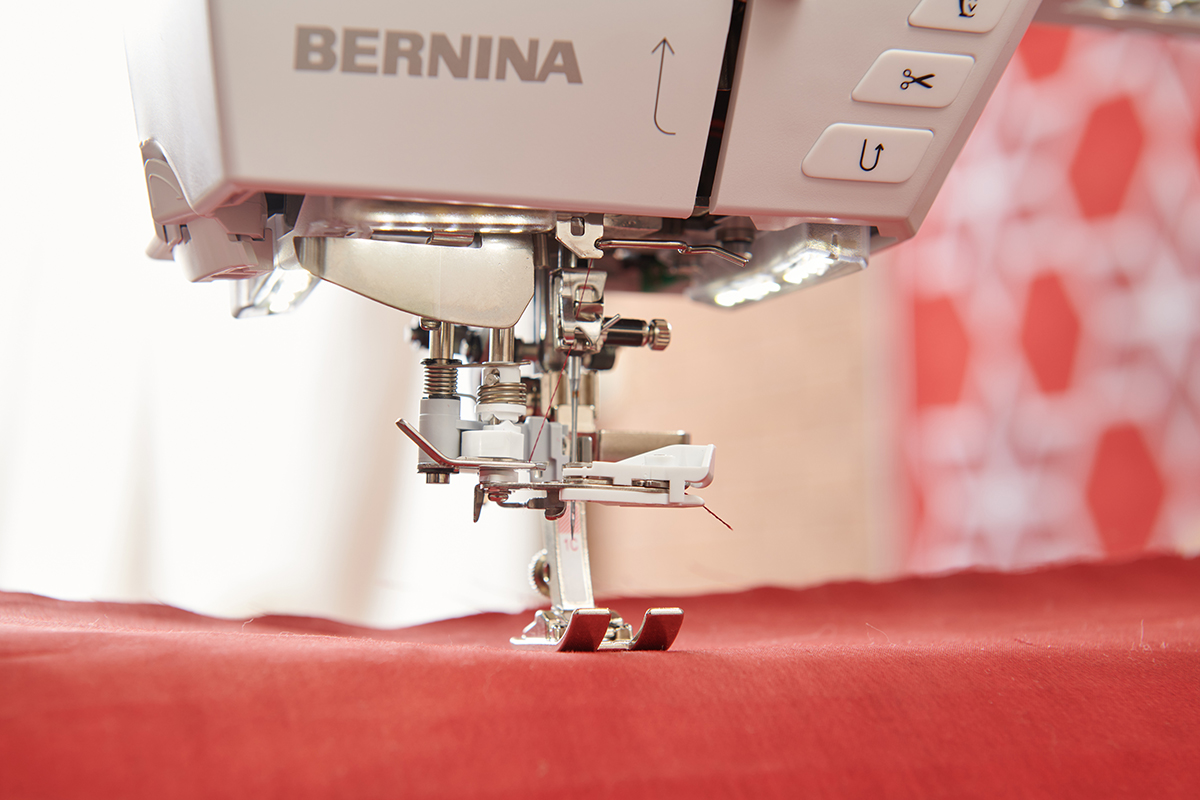
Automated features make a machine extra easy to use. In addition to an Automatic Needle Threader and thread cutter, the B 790 ULTRA also has Automatic Stitch Plate Recognition. That means if you try to sew using a stitch plate that isn’t compatible with the stitch you have selected (like a zigzag stitch with a Straight Stitch Plate attached), the machine will stop you before you can damage the machine, needle, or yourself.
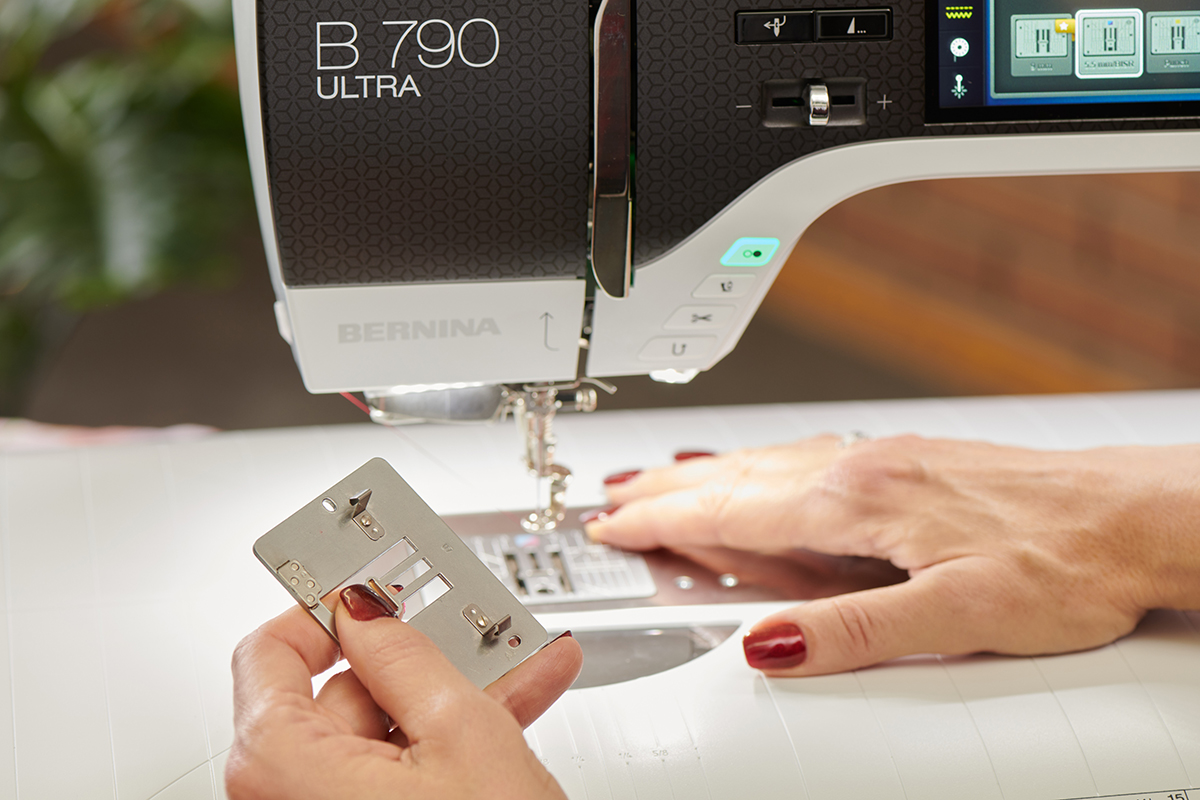
Sewing Features on B 790 ULTRA
Maybe the most exciting feature on this machine in sewing is Jumbo Stitch. This tool allows you to completely resize your decorative stitch patterns and have the stitches recalculate.
Jumbo Stitch will resize stitches up to 500% of their original size or scale them down to 25%. So if you take a simple 9 mm decorative stitch and make it double or triple its original size, you won’t end up with wonky long stitches. It will add the necessary needle points to keep the design looking smooth and even.
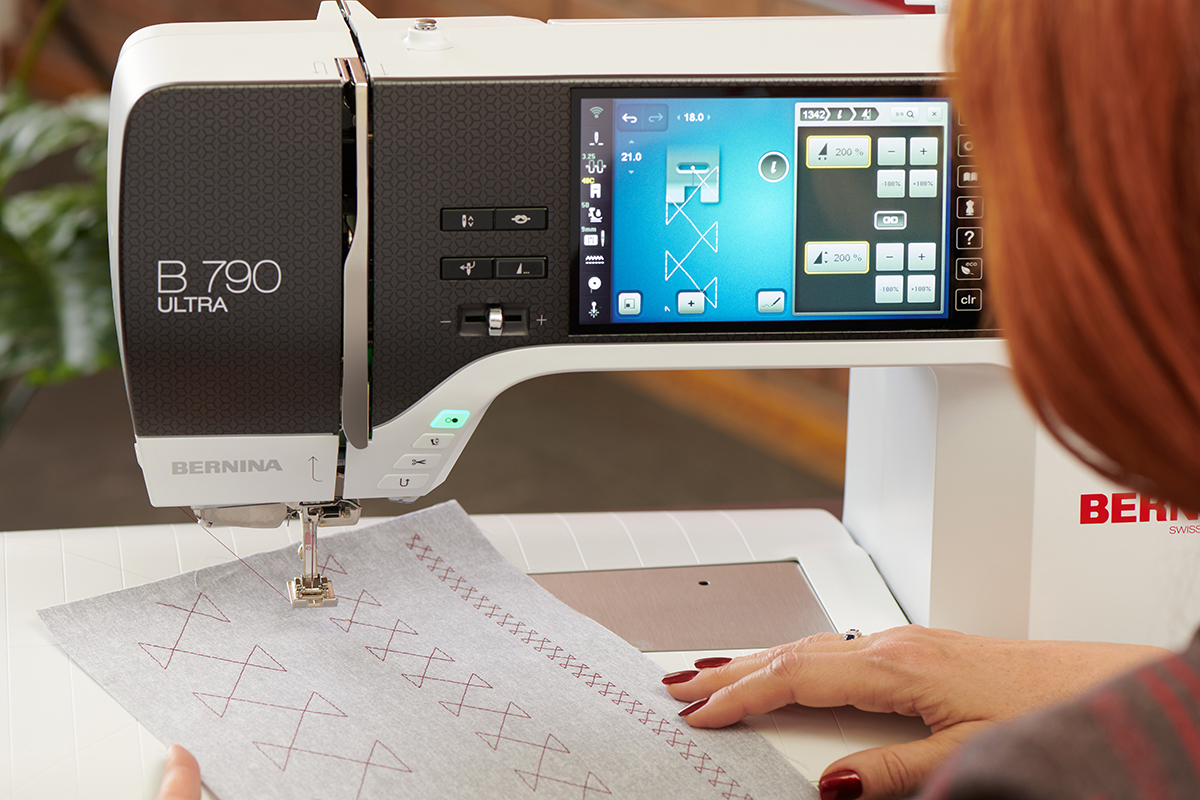
The B 790 ULTRA also has Undo and Redo in sewing. These Undo steps will walk back any changes you’ve made to a stitch with editing tools or even stitch selection.
Embroidery Features on B 790 ULTRA
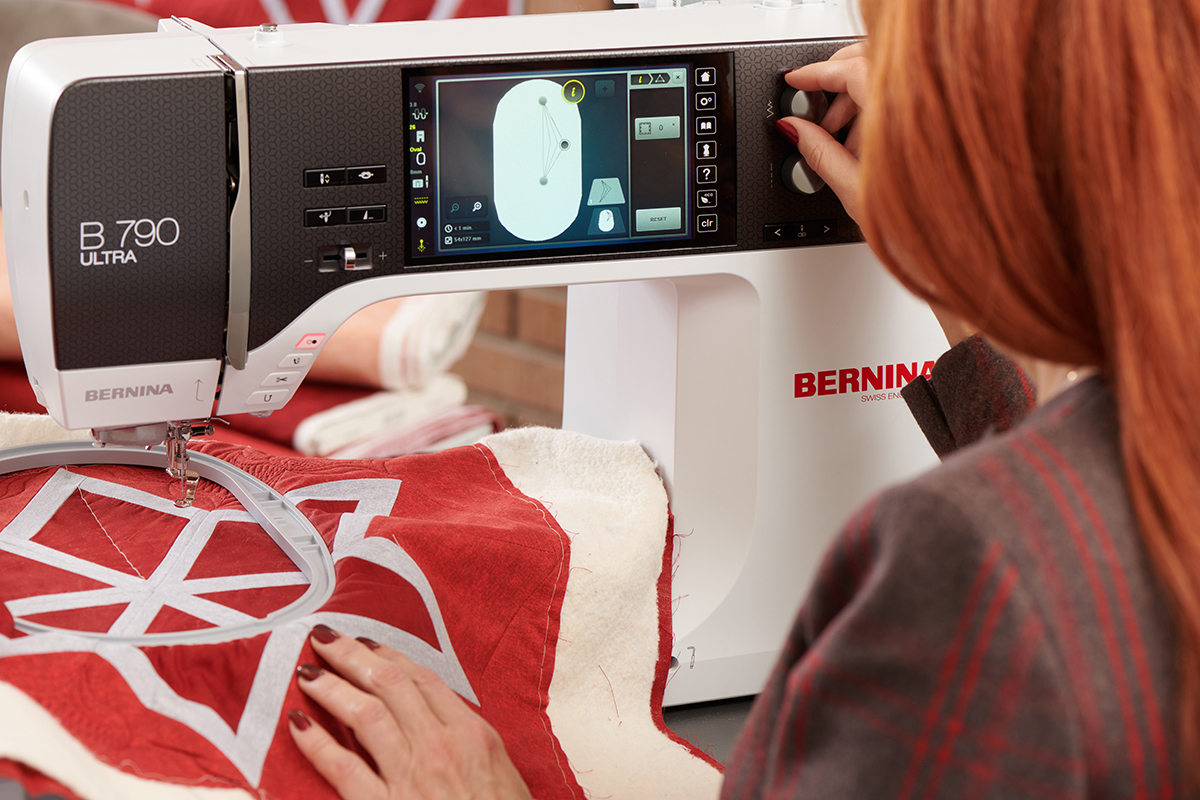
This machine features the long-awaited addition of 3-Point Placement to the collection of Pinpoint Placement options! It is quick and easy to use to perfectly position triangular designs for your embroidery or quilting-in-the-hoop. All you do is position the three dots on screen to match three points of a triangular shape in your hoop, and the machine will morph the design to match perfectly. Perfect for quilting your half-square triangles or flying geese!
Quilting Features on B 790 ULTRA
While we’re talking about embroidery, there are a lot of exciting tools for customizing your computerized quilting. To help you lay out your quilting designs, you can activate Show Start/Stop to see green and red crosshairs on your designs. These visual cues help you understand how and in what direction your designs will sew out.
You can also reverse the sewing direction on quilting designs with Flip Start/Stop. This won’t change how your design looks, but it will sew backward for more efficient stitching (if you need it).
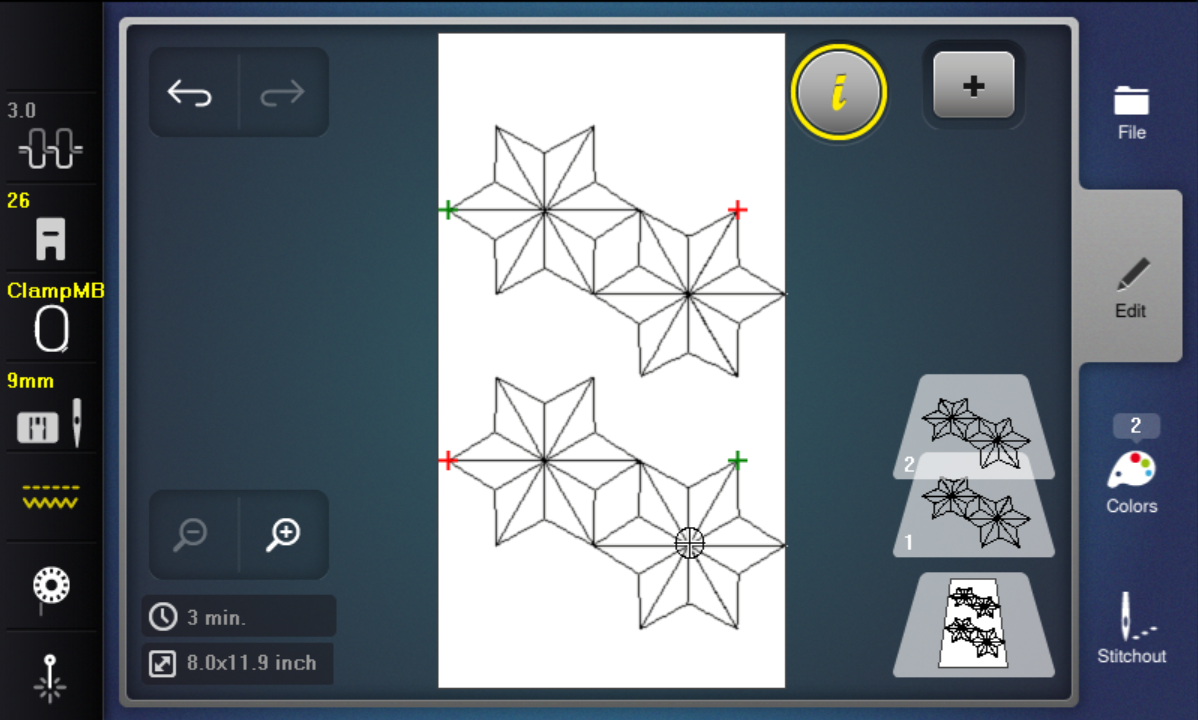
Match Start/Stop will perfectly align multiple designs so that one begins exactly where the previous design left off. No more guessing and nudging designs together in hopes they line up correctly!
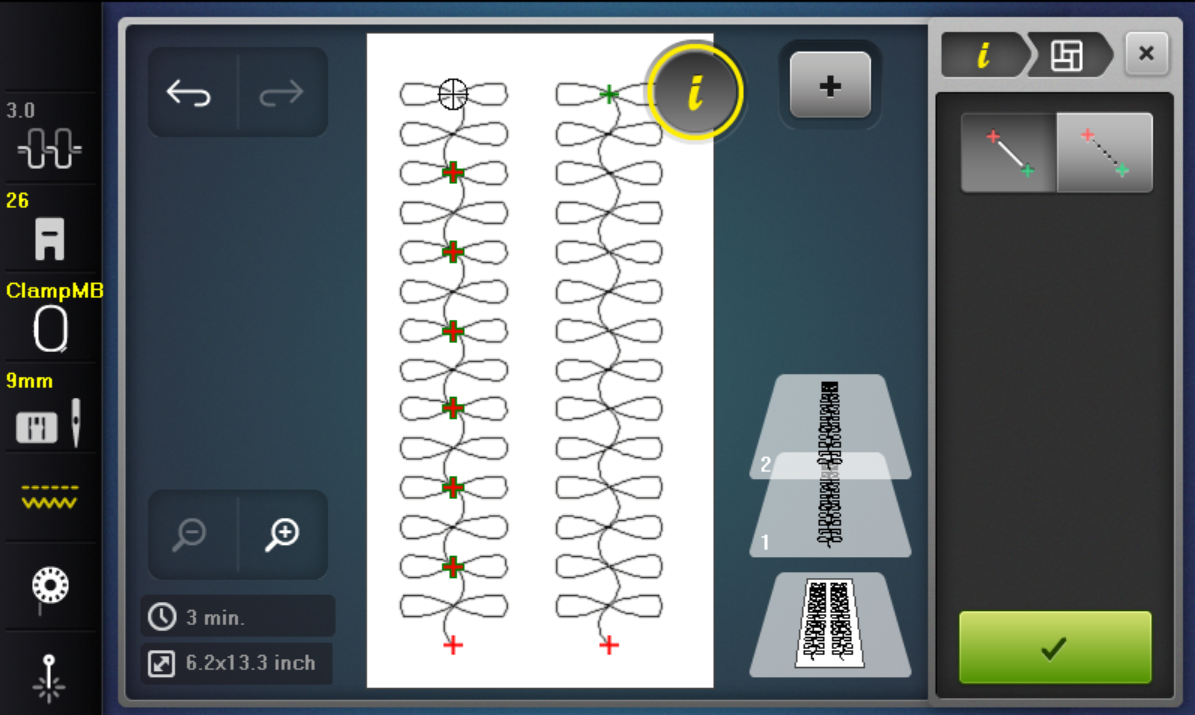
Once you’ve aligned your designs, you can use the new Connect tool to actually merge them together to sew out continuously. And if you have designs that aren’t precisely aligned (like with the Match Start/Stop tool), you can Connect them with Connecting Stitches, and the machine will add the necessary travel stitches to move from one design to the next. Alternatively, you could Connect with a Jump Stitch, in case you don’t want the travel stitches but still want to link designs together.
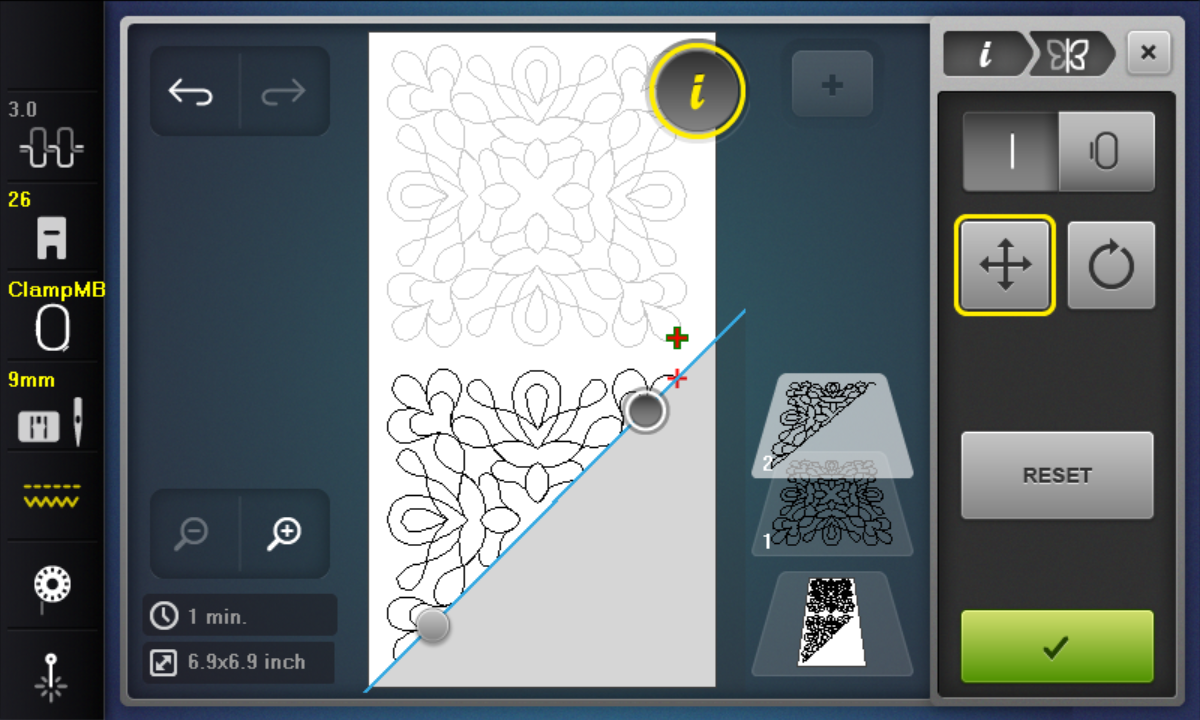
On the flip side, the B 790 ULTRA also has a new Crop tool which allows you to trim your quilting designs. You can Crop to a Line that can be positioned and rotated as desired (for example, cropping a square, block design into a half-square triangle) or Crop to the Hoop, which will trim off any portion of the design that falls outside the hoop boundary and add connecting stitches to join any gaps.
If you have taken the time to perfectly lay out and edit your quilting designs, it might be nice to save them for later use. On the B 790 ULTRA, if you have customized quilting designs in the BQM format, you can also save them in that original file format. That preserves all the same editing capabilities (like resizing with perfect stitch calculation and all those other cool editing tools mentioned above) if you need to refine them later.
Last, but certainly not least, is the addition of the BERNINA Integrated Stitch Regulator. With the BISR, our sensor for stitch regulation is built into the machine, allowing you to use any free-motion presser foot you like for your quilting and get perfect, even stitches. I know many quilters have their preferred free-motion foot. The BISR lets you use your favorites and will help you keep even stitches at the same time.
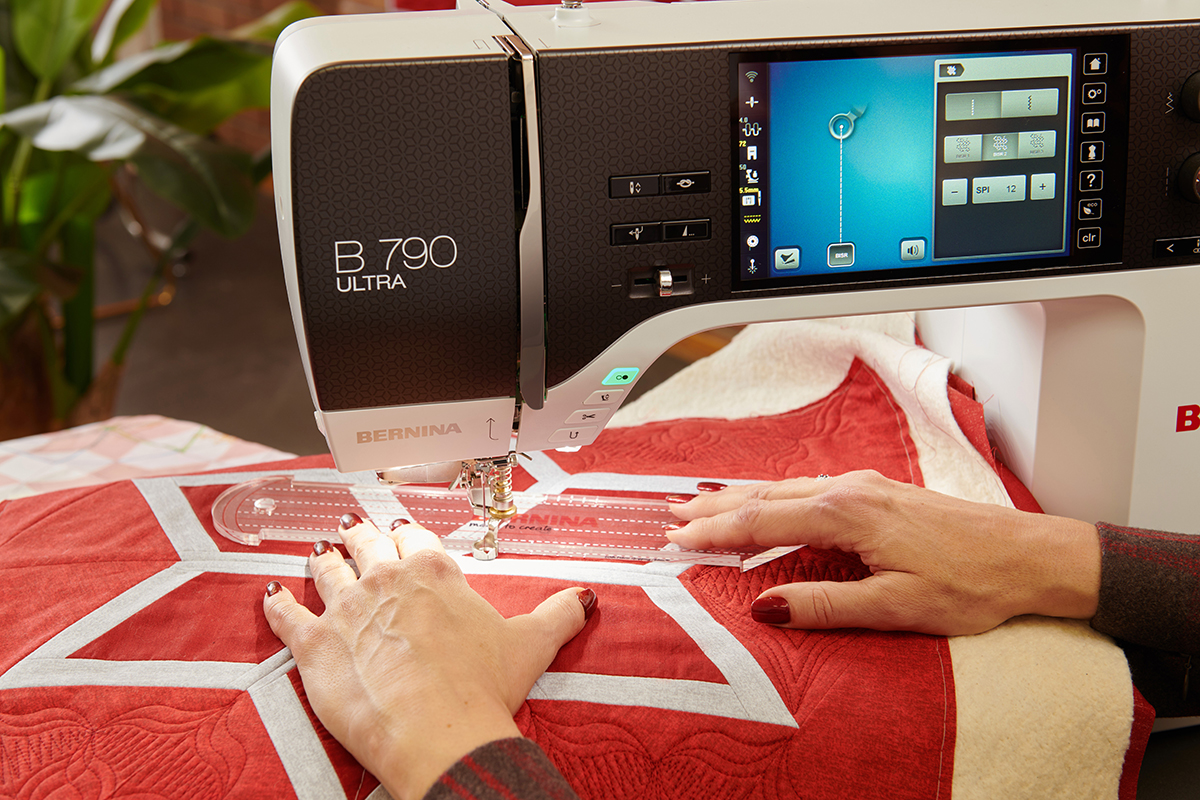
Since you can use any free-motion foot you like, that also means you can use the Adjustable Ruler Foot #72/72S to do rulerwork with regulated stitches!
Help & Accessibility Features
In addition to the fun and creative new tools on the B 790 ULTRA, there are also some things that will help it to be easier to use.
The touch screen functionality can be operated by a USB mouse. Using a mouse can make editing easier for many folks if they have mobility issues or simply prefer working that way.
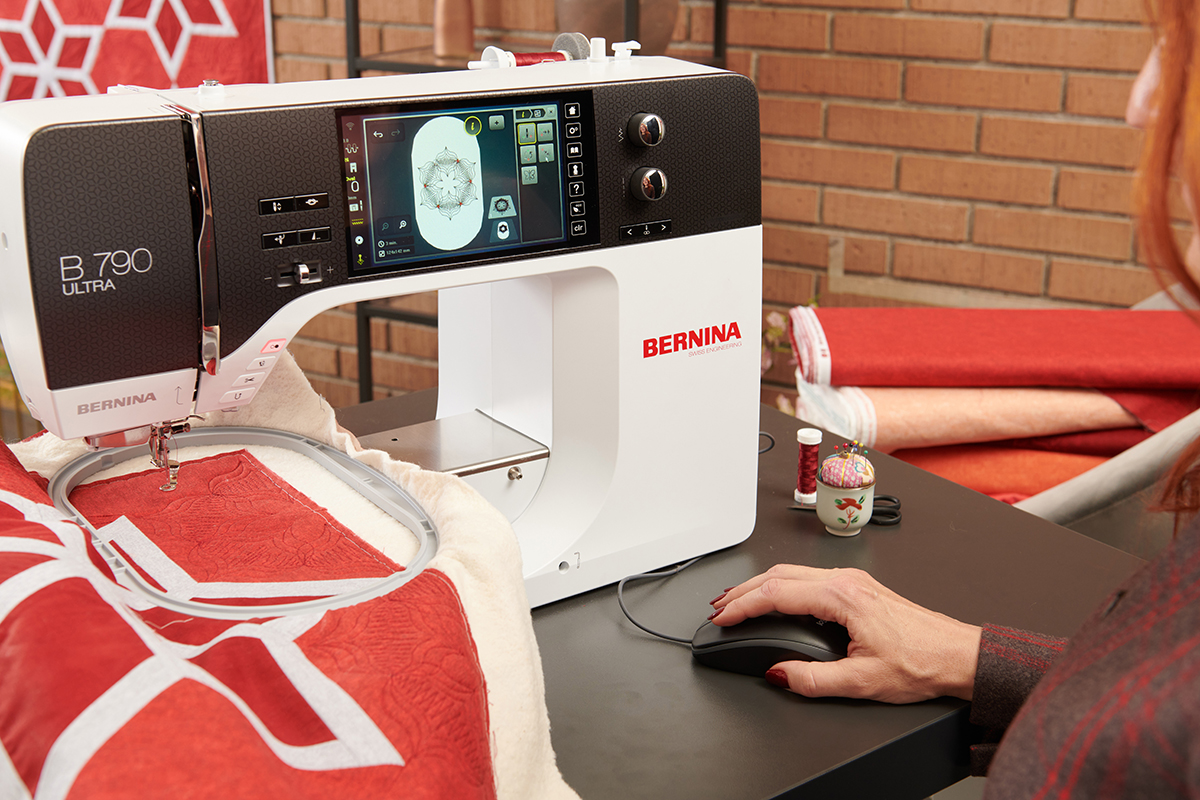
The new Help Center will also aid you in navigating this machine. The Help Center contains a variety of resources like a Quick Start guide and Consultant. The Consultant walks you through how to sew a wide variety of techniques with suggestions for stitches, settings, presser feet, and even step-by-step tutorials to actually stitch out!
If your B 790 ULTRA is connected to WiFi, you can also access the full Help Center from your phone or tablet. When the machine is online, a QR code icon will appear on screen in the Help Center. Scanning that code will allow you to read your Tutorials or even the entire Instruction Manual from another device.
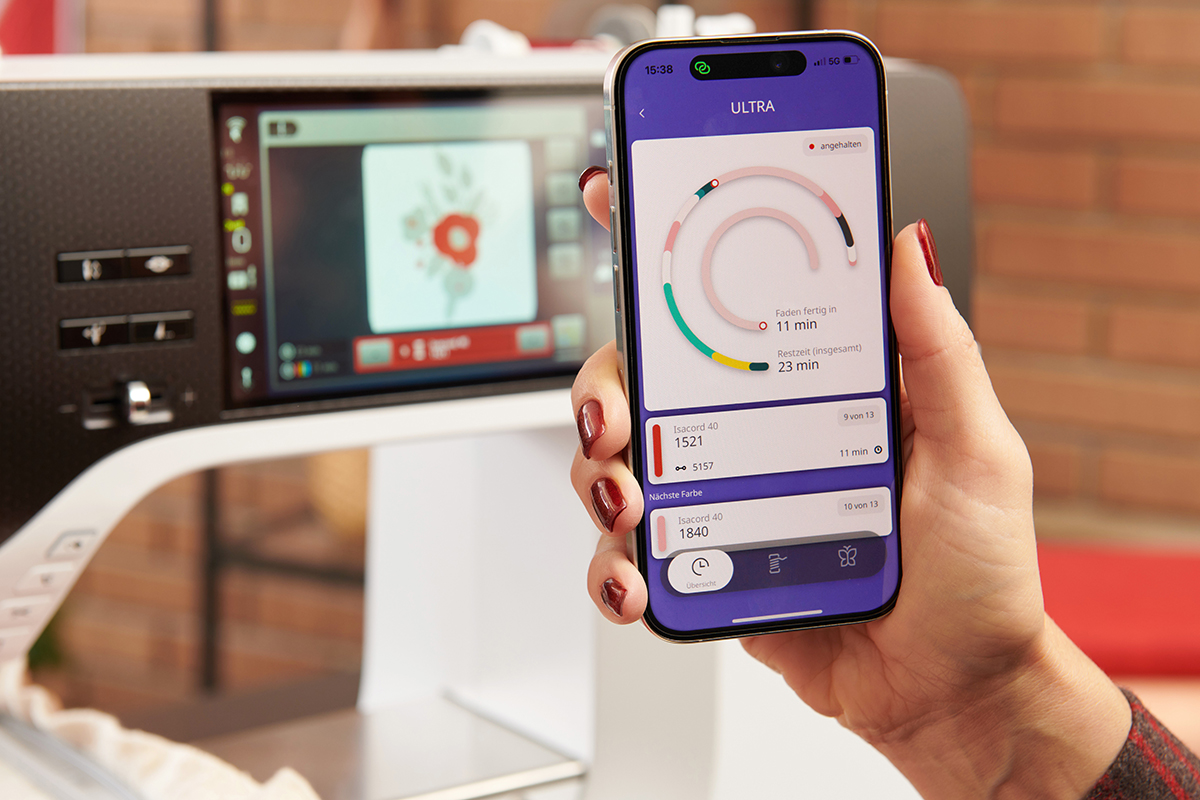
You can also connect to the free BERNINA Stitchout app to monitor your embroidery progress. You will get a notification on your device (smartphone or tablet) when it’s time for a color change, if you run out of bobbin thread, or when your design is complete.
The new BERNINA 790 ULTRA is an incredible addition to our product lineup and offers advanced editing tools in sewing, embroidery, and quilting, all on one beautiful, easy-to-use machine. For more information about the BERNINA 790 ULTRA, visit your local Authorized BERNINA dealer.
Used Products
What you might also like

One comment on “Go ULTRA! The New BERNINA 790 ULTRA”
Leave a Reply
You must be logged in to post a comment.
I’m finishing a Quilt Guild challenge call “Bulls Eye”. With 5 team members I Appliquéd on to a Hood Sweat Shirt. Using so many fun stitches B790+. It was fun as I kept adding and stitching. Definitely a works in progress! I call it Wearable Art, one of a kind. I entered it in our Quilt Show in October. My coat of So Many Colors!